MetrAutoFrame: one-button auto-framing of guests in vMix
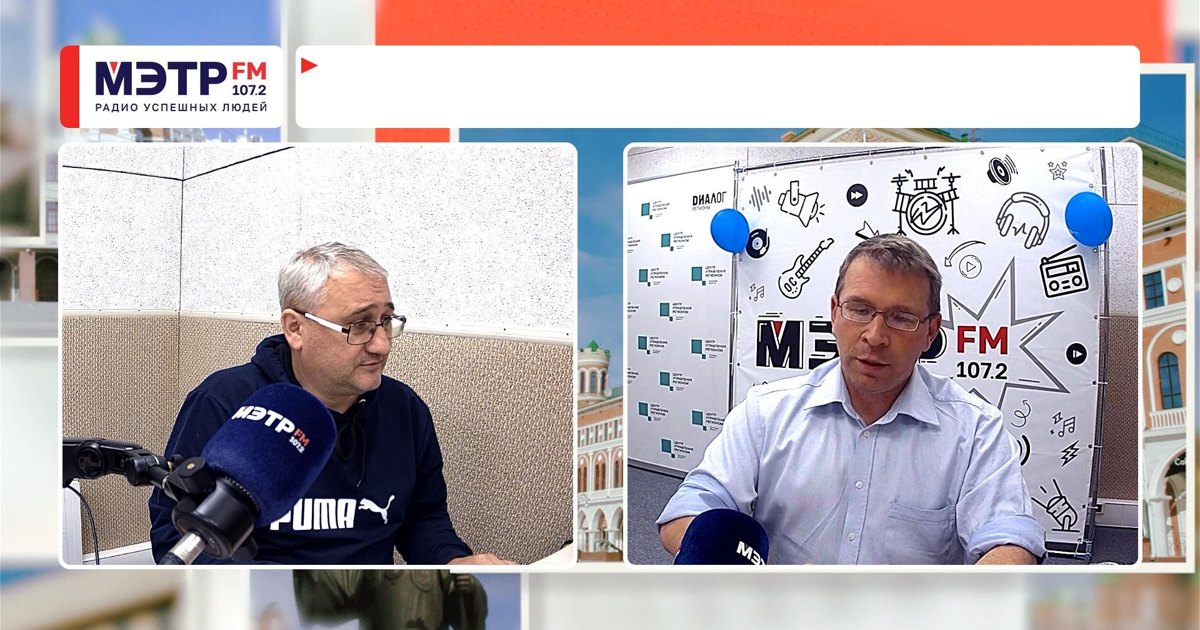
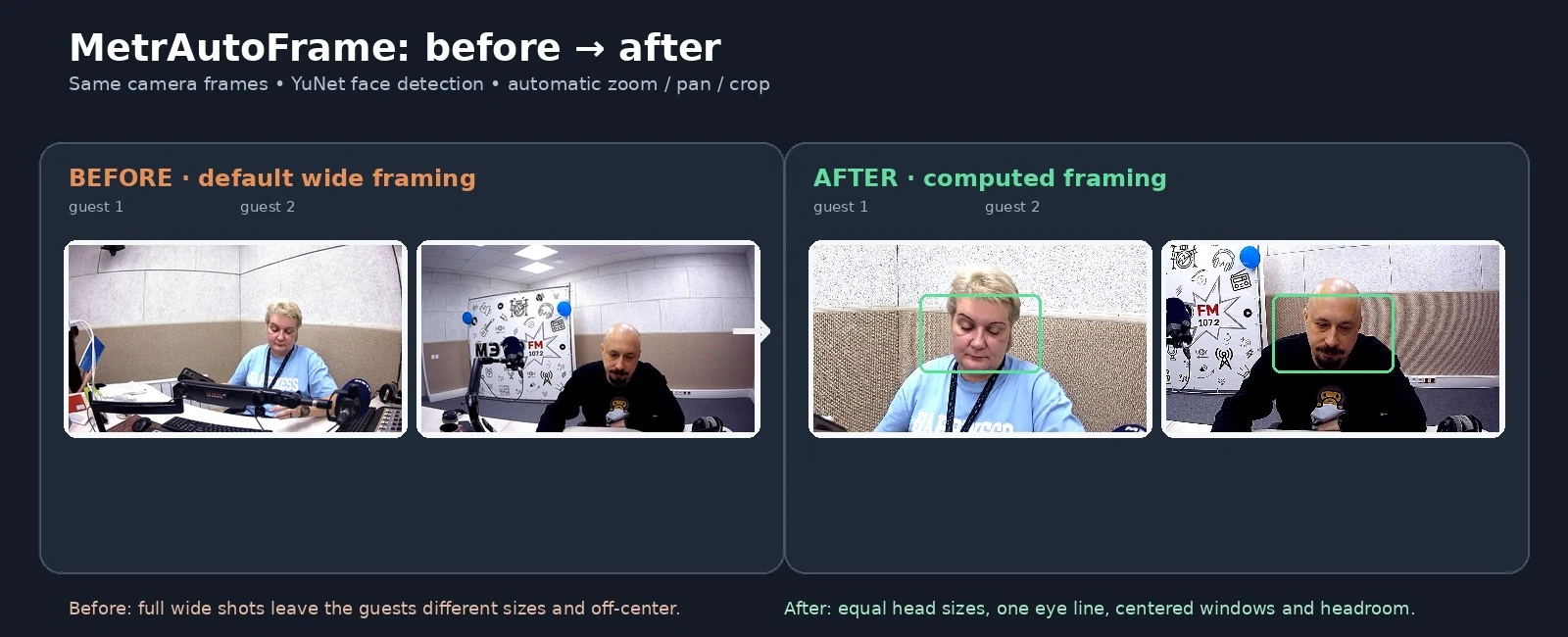
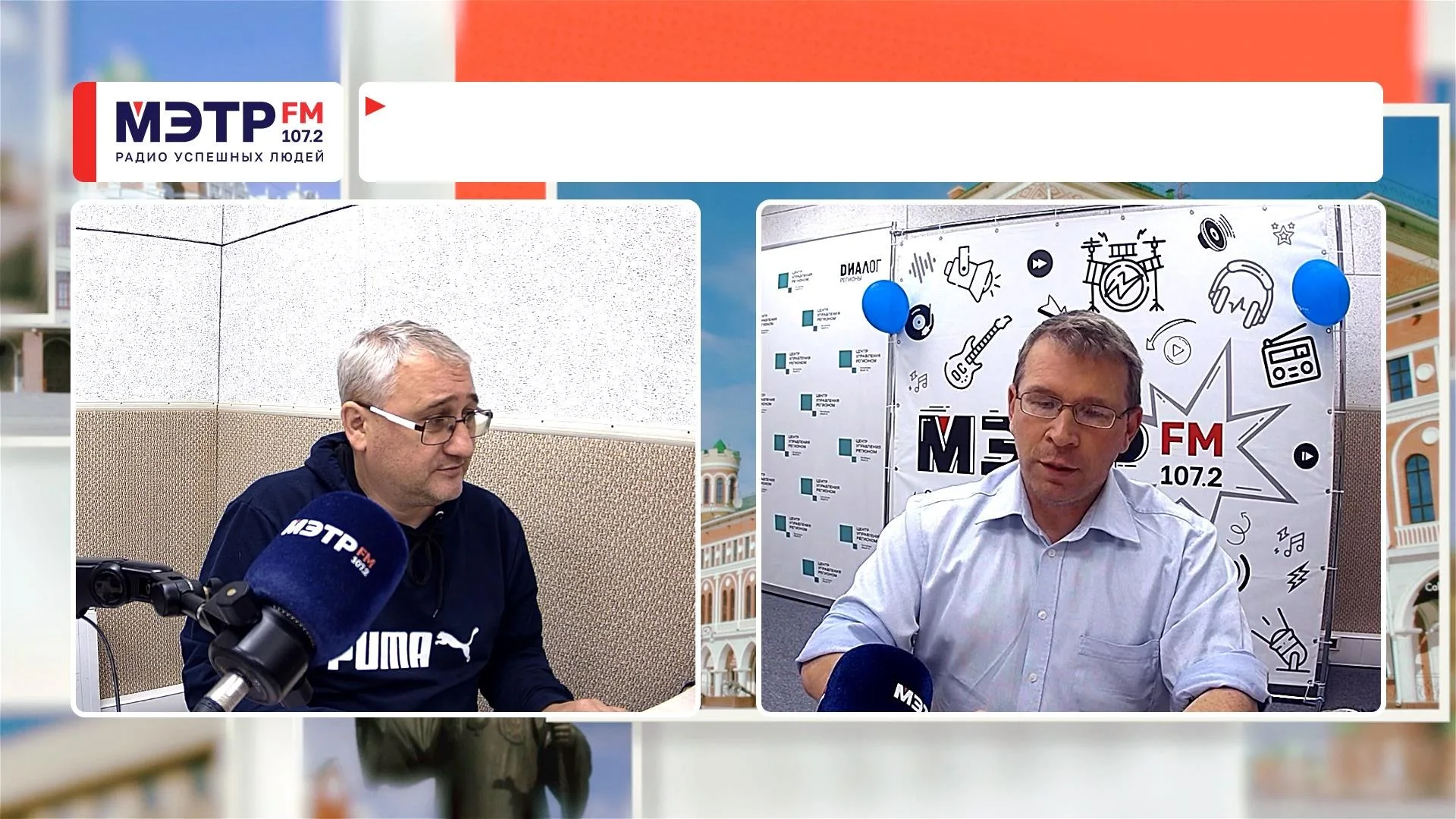
I built MetrAutoFrame for the METR FM radio video studio. It lines up guest shots in vMix templates automatically. Our talk shows with two to four guests use plain static cameras, and people sit however they like: one looks bigger, another sits lower, a third is off to the side. The director used to fix zoom and crop by hand. Now it takes one button: Frame.
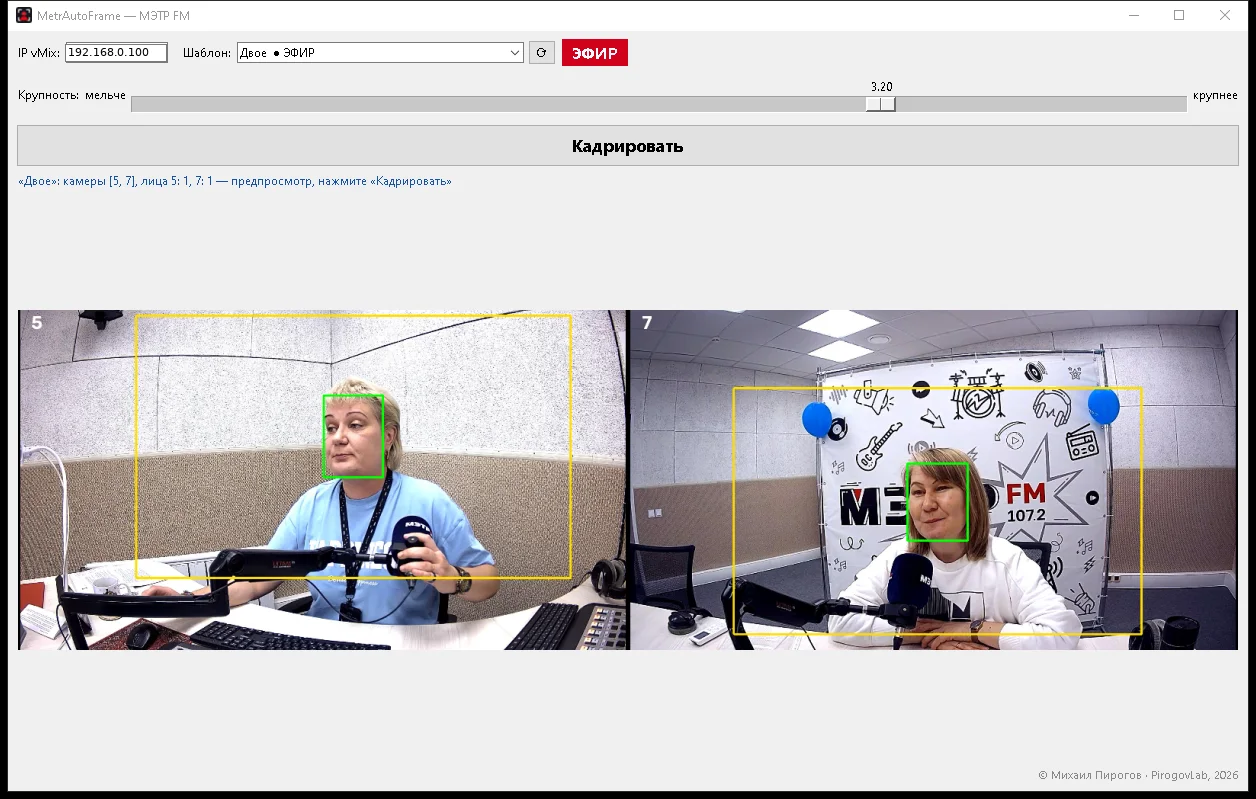
How it works
- After a 3-2-1 countdown it grabs fresh camera frames and finds faces with YuNet (OpenCV). It's fast and needs no GPU.
- Through the vMix HTTP API it changes only the Zoom, Pan and Crop of the camera layers, so every head is the same size, on one eye line and centered in its window. Preview, Program and color are left alone.
- It finds the windows by itself, either from the transparent holes of a PNG frame or from the alpha channel of a video overlay (.mov). Detected windows are cached in
окна.json. - A shot-size slider goes tighter or wider and applies instantly.
- An ● ON AIR marker shows which template is in Program, and a red bar in the preview warns when a camera has no picture left on that side.
- Works with local and remote vMix, with 1 to 4 guests per template.
Open source
The app is free and open source under the MIT license. The GitHub repo has the source code, build instructions and a ready-to-run MetrAutoFrame.exe for Windows 10/11. Unzip it, list your templates in шаблоны.txt and run it. You need vMix with Web Controller enabled.
If it helps in your studio, message me on Telegram. I'd love to hear your feedback.