Марий Эл · Android Beta
Mari Keyboard for Android
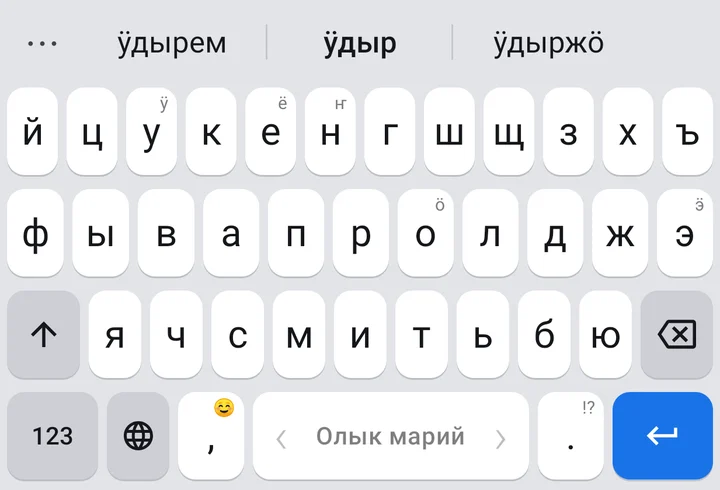
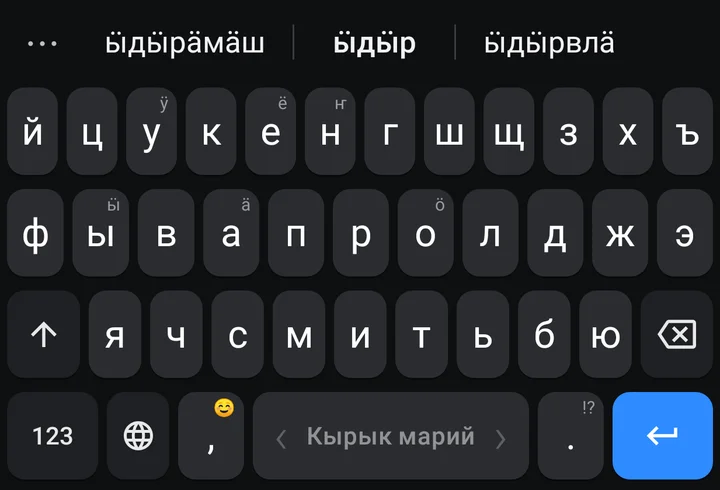
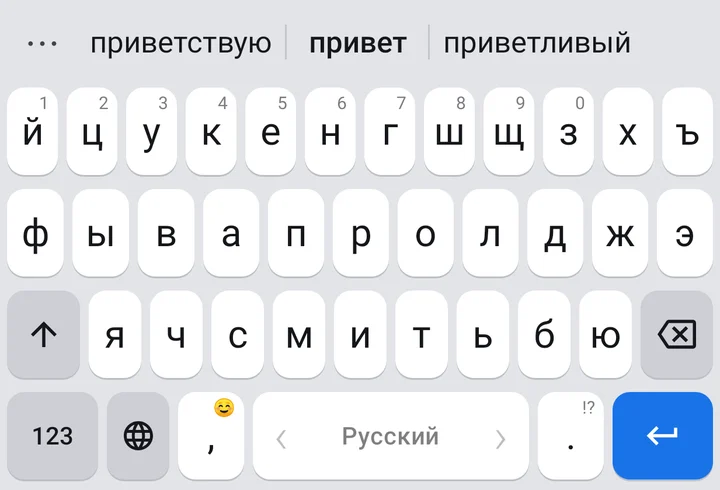
A phone keyboard that speaks Mari: Meadow and Hill Mari layouts, ӱ ӧ ҥ ӓ ӹ via long press, spell checking and word suggestions.
⬇ Download test version (APK)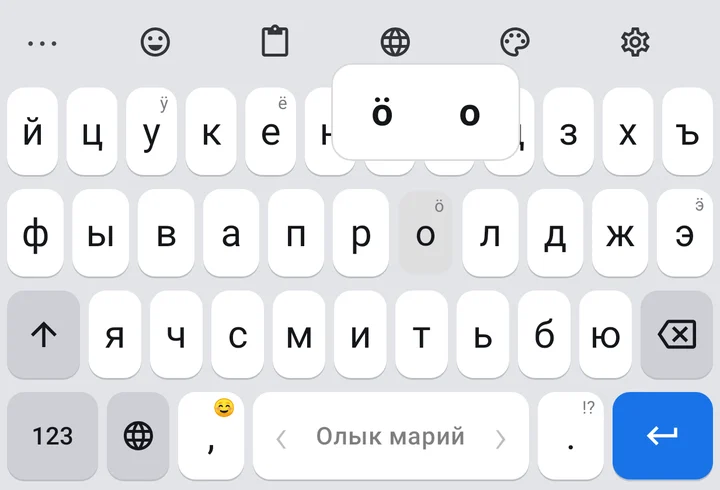
Features
| Free | Premium |
|---|---|
|
|
The free version occasionally shows a small closable banner (never in password fields). Premium is a monthly key bound to your phone: open Settings → Premium, copy the device code and message @mihailpirogov.
Screenshots
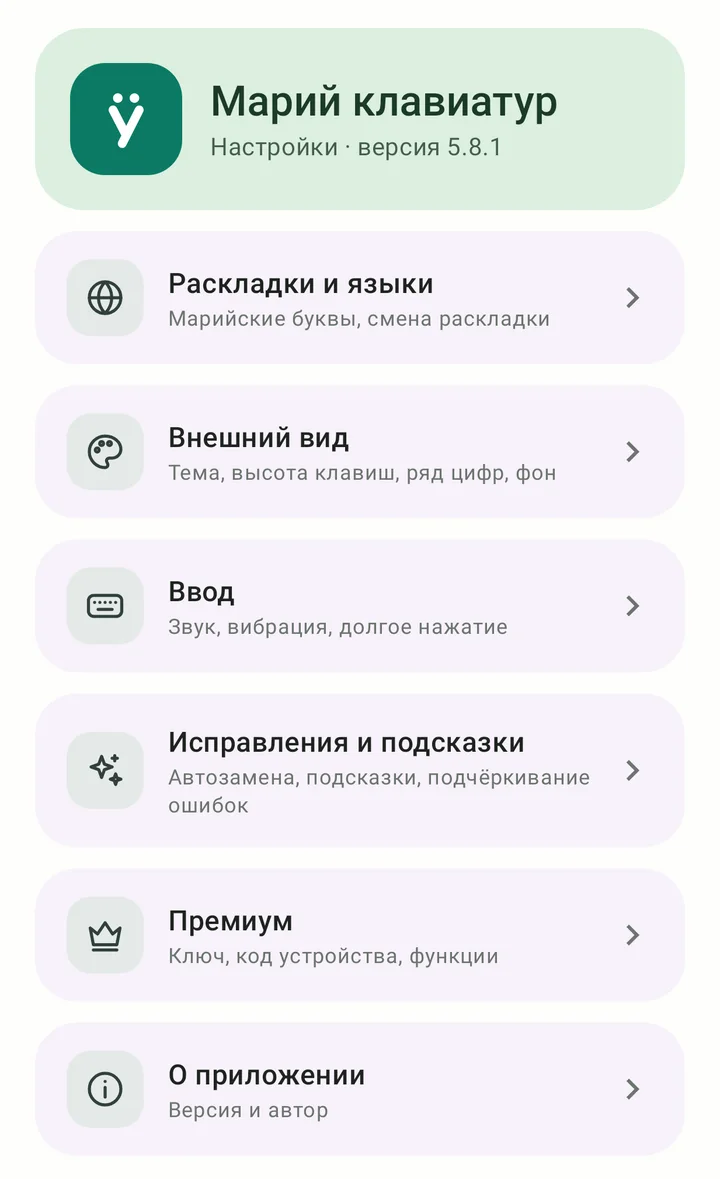
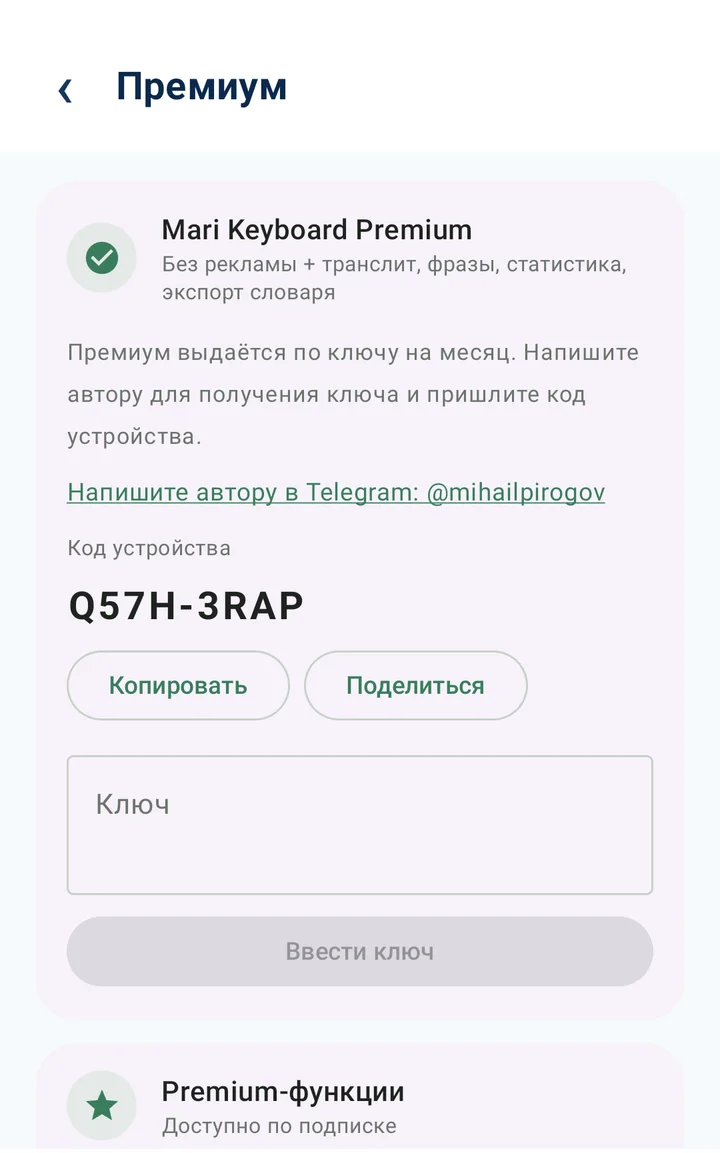
What’s new
5.8.1 beta 2 · October 24, 2026
- Suggestions ranked by word frequency from open Mari texts.
- New typo search: errors anywhere in the word, neighbouring keys and missing Mari diacritics.
- Autocorrect applies only a clear winner; Backspace undoes it.
- Signed with the permanent developer key.
5.8.1 · October 8, 2026
- Fixed: tapping a suggested word now always works, including the left and right suggestions.
If beta 5.8 is already installed, just install the new APK over it: your settings and dictionary are kept.
How to install
- Download mari-keyboard-beta.apk to your phone and open it.
- Allow installs from this source if Android asks.
- Open the “Марий клавиатура” app and enable the keyboard following the on-screen steps.
- Switch layouts with the 🌐 key or by swiping the space bar.
Important: if you have the previous beta (before October 24), uninstall it first — the new build is signed with a different, permanent key.
Privacy. The keyboard never sends what you type anywhere: dictionaries, suggestions and learning stay on the phone.